
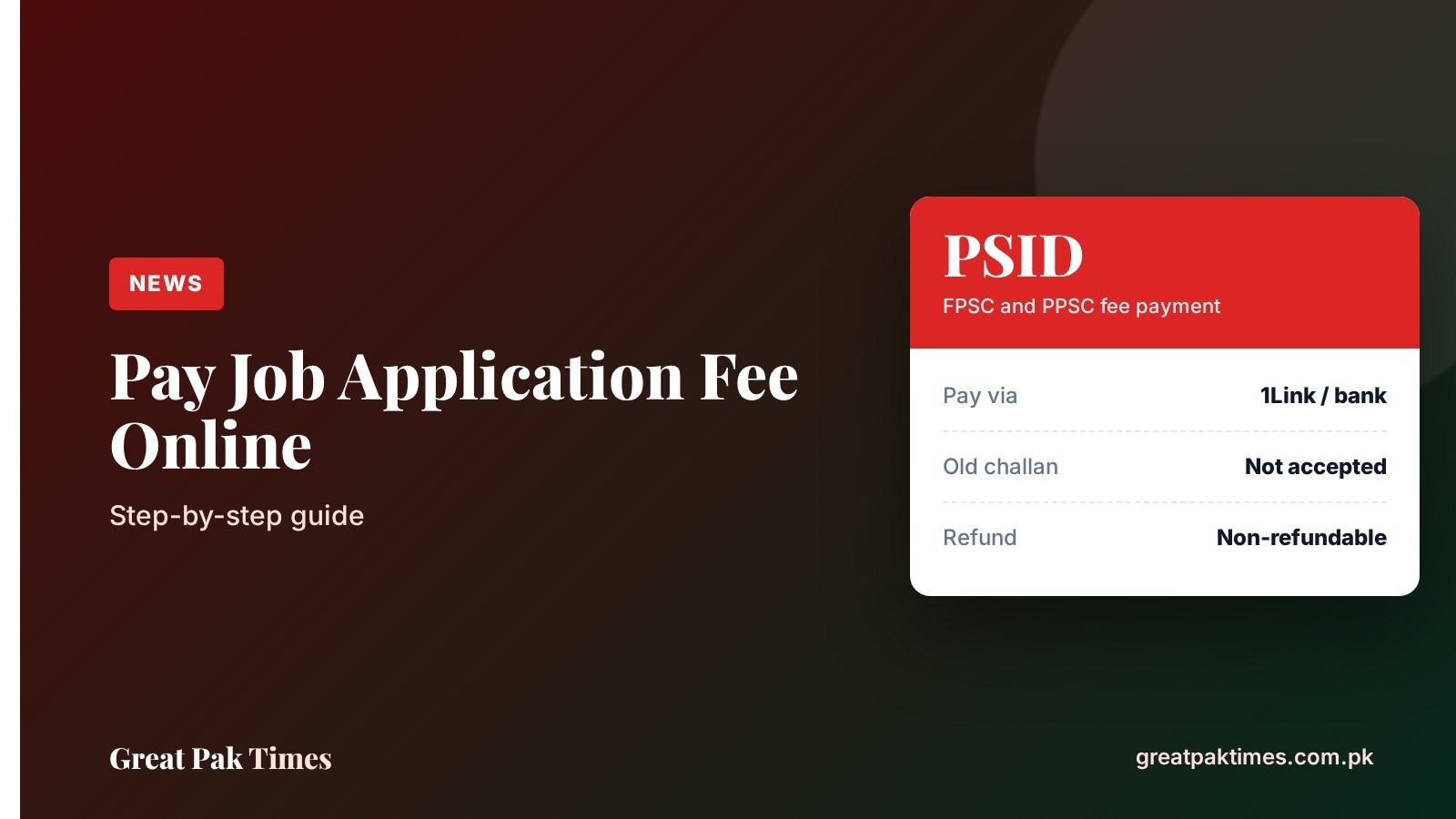
This guide explains how to pay a government job application fee online in Pakistan. It is for anyone applying through the Federal Public Service Commission (FPSC) or the Punjab Public Service Commission (PPSC) who wants to pay correctly the first time. Both commissions now collect the fee online against a unique PSID, and an application is not accepted without it.
Before you start
- Confirm that you meet every requirement of the post before paying. FPSC tells candidates to check qualification, age, gender, domicile and experience first, because the fee is not refundable.
- Keep your CNIC and mobile number ready. PPSC says the PSID is also sent to you by email and SMS.
- Know the fee for your post. FPSC lists Rs600 for BS-16 and 17, Rs1,500 for BS-18, Rs2,500 for BS-19 and Rs3,000 for BS-20 and above. PPSC lists Rs1,000 for a competitive examination and Rs600 for a one-paper MCQ test. Always check the advertisement for your own post.
How to pay the job application fee online: steps
- Start the online application. Open the official portal of the commission, such as fpsc.gov.pk or ppsc.gop.pk, and fill in your application until the fee step.
- Get your PSID. The system generates a unique PSID for your application. PPSC describes it as a 17-digit number needed for the payment transaction.
- Choose a payment channel. FPSC accepts payment through a 1Link facility by ATM or mobile banking (apps such as Easypaisa and JazzCash are named), internet banking, or over the counter at a 1Link member bank branch. PPSC lists ATMs, mobile and internet banking, JazzCash, Easypaisa, U Paisa, other microfinance banks and 1Link branches.
- Enter the PSID and check the details. Look at the payment details shown after you enter the PSID before you confirm. For PPSC, the notice says to pay under the “GoPb” biller option.
- Pay and keep the receipt. Save the transaction message or slip. PPSC says you will get an email and SMS confirming the payment.
- Go back and finish the application. Paying is not the last step. Return to the commission’s website and complete the remaining step, which is Step 2 for FPSC and the Next button on the payment page for PPSC.
Portal screens change from time to time, so follow the instructions shown on the official site if they differ from the steps above.
After you pay
- If the portal does not move ahead: PPSC advises contacting your bank or payment channel helpline so the payment status is updated.
- If your session expires: PPSC says you can resume from its Jobs page using your CNIC, as long as the CNIC and post match what you entered before paying.
- Applying for more than one post: PPSC says a separate fee and a different PSID are needed for each post.
- Printout: PPSC says a printout of the payment is optional for your records and is not required at the exam or interview.
Common mistakes to avoid
- Paying on an old challan. FPSC and PPSC both say the old challan forms, bank drafts, pay orders and cheques are not acceptable.
- Paying without a PSID. FPSC says an application is accepted only if the fee was paid online using the PSID generated on its website.
- Paying before checking eligibility. Fees are non-refundable, so verify your age, domicile and qualification first.
- Stopping after payment. The application is not complete until you finish the final step on the portal.
- Using one PSID for two posts. Each post needs its own PSID and fee at PPSC.
- Waiting for the last day. Both commissions advise applying early rather than near the closing date.
Current openings and related posts
- How to apply for FPSC jobs online
- How to apply for PPSC jobs online
- How to apply for KPPSC jobs online
- PPSC advertisement 11/2026: 299 jobs, last date 26 October
- More openings in our Jobs section
Frequently asked questions
What is a PSID?
A PSID is the unique payment slip ID generated by the commission’s portal for your application. You enter it in your bank, ATM or mobile wallet to pay the fee against that application.
Can I still pay with a bank challan or draft?
No. FPSC and PPSC both say fees paid on old challan forms, bank drafts, pay orders or cheques are not acceptable. Pay online against the PSID.
Can I get my application fee back?
PPSC says fees are non-refundable, and FPSC tells candidates to check eligibility before paying. PPSC adds that if a department withdraws a requisition, the fee you paid is adjusted by the system on your next online application within one year.
Note: Always confirm details on the official website before you apply or pay any fee. Great Pak Times is not affiliated with any government body.
Source: Federal Public Service Commission and Punjab Public Service Commission. Checked 17 October 2026.