
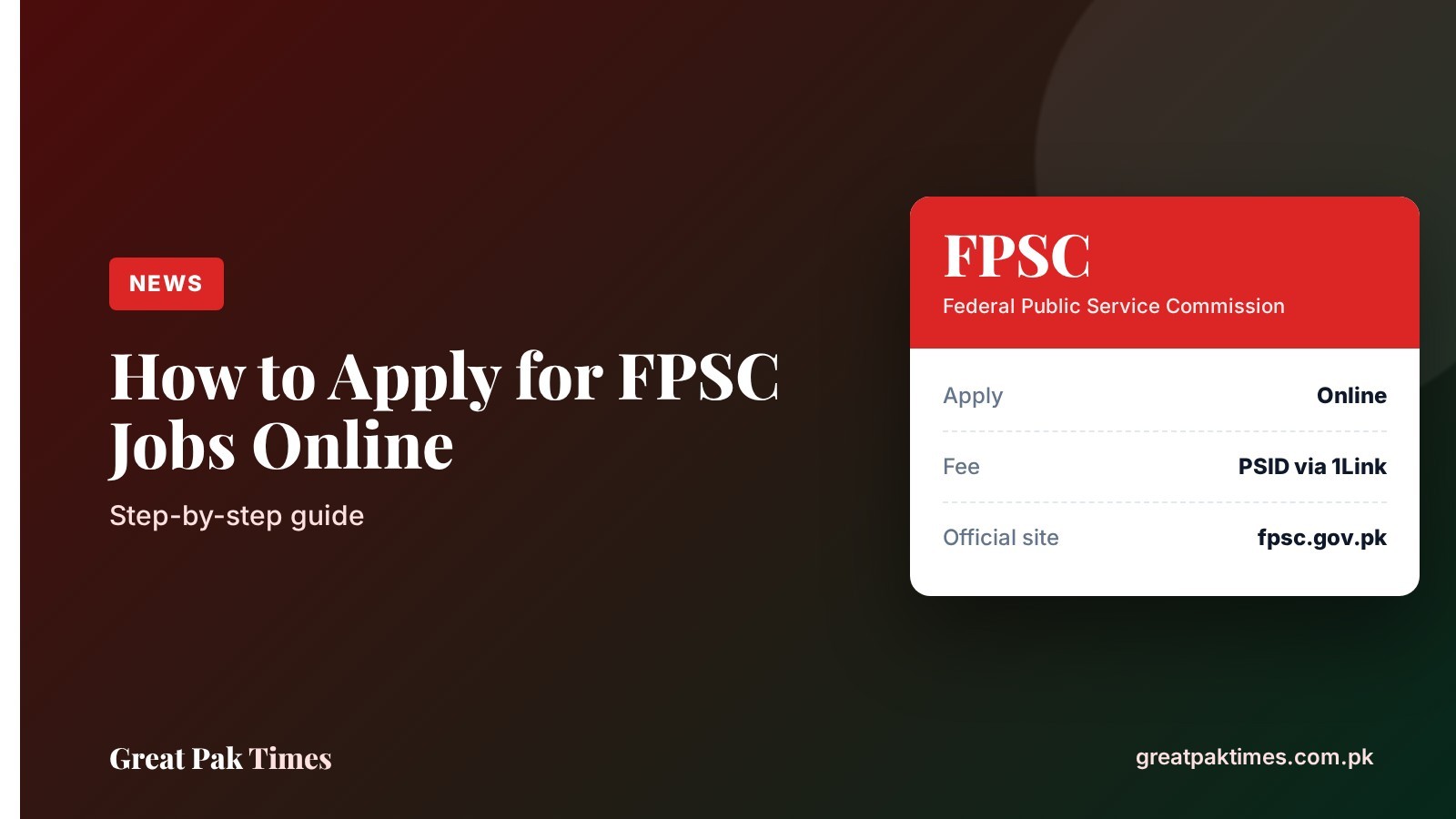
This guide explains how to apply for FPSC jobs online through the Federal Public Service Commission’s General Recruitment portal. It is for anyone applying for a federal government post who wants to avoid mistakes that can get an application rejected. FPSC accepts applications online only, and its website states that no manual application will be accepted.
Before you start
- Open the advertisement for your post in the Jobs/Advertisements section of fpsc.gov.pk and read the qualification, experience, age and domicile rules. When we checked on 6 October 2026, the General Recruitment section showed no active advertisement, so watch the site for the next one.
- Keep your CNIC number, domicile details (district and issuance date), transcript issuance date and experience details ready.
- Have a mobile number that is not ported from another network, because FPSC sends its SMS acknowledgement to it. Also keep an email address you check daily.
- Read the official guidelines linked on the portal: the application guidelines, the fee payment procedure and the general instructions to candidates.
How to apply for FPSC jobs online: steps
- Open the portal. Go to fpsc.gov.pk and click “Apply Online”, then choose General Recruitment (GR). Read the instructions on the Online Recruitment System page before you continue.
- Fill in Step 1. Select your job or post, then enter your CNIC, name, date of birth, domicile, gender, religion, test centre, interview centre, mobile number, email, qualification and experience details, and whether you are in government service. Enter the verification code shown on the screen.
- Check every detail. FPSC says the information claimed in the online form is treated as final, and false or wrong entries can lead to rejection.
- Pay the fee against your PSID. The portal generates a unique PSID number, and the fee must be deposited against it using the 1Link facility. Follow the Fee Payment Procedure PDF on the portal for the payment options it lists.
- Complete Step 2. After paying, return to the FPSC website to finish Step 2 and submit the application. FPSC states that payment alone does not complete the application, and it is not considered submitted until Step 2 is done.
- Save your tracking ID and printout. FPSC advises keeping a printout or PDF copy of the application with the Tracking ID. If you lose the ID, the portal has a “Retrieve Tracking ID” option for the current advertisement.
Portal screens change from time to time, so follow the instructions shown on the official site if they differ from the steps above.
After you apply
- Edit your application: the portal says you can edit an application only once before the closing date, using Edit/Update Application. Use it only if you really need to.
- Change your test centre: the portal has a separate Change Exam/Test Centre option.
- Print your application: use “Take Printout” on the portal for the current advertisement.
- Test and results: admission certificates, syllabus, shortlisting and merit lists are posted in the General Recruitment menu on the FPSC website.
Common mistakes to avoid
- Paying the fee and stopping. The application is not submitted until Step 2 is complete.
- Waiting for the last day. The portal itself says not to wait for the closing date.
- Adding experience later. FPSC treats experience claimed after submission, which was not in the online form, as an afterthought and will not accept it.
- Using a ported mobile number. The SMS acknowledgement may not reach you.
- Expecting a refund. FPSC says the fee, once paid, is non-refundable, so verify your particulars before you submit.
- Paying anywhere else. Use only the PSID generated by the FPSC portal.
Current openings and related posts
- FPSC postpones Board of Investment tests 2026
- How to apply for SPSC jobs online (Sindh)
- SPSC jobs 2026: 54 posts, last date 23 October
- More openings in our Jobs section
Frequently asked questions
Can I apply for FPSC jobs offline?
No. FPSC states that all applications must be submitted online through its website and that no manual application will be accepted.
How do I pay the FPSC application fee?
The portal generates a unique PSID for your application, and you deposit the fee against it using the 1Link facility. The exact options are in the Fee Payment Procedure PDF on the portal.
What if I forget my FPSC tracking ID?
Use the “Retrieve Tracking ID” option on the General Recruitment portal. For technical help, FPSC lists 051-111-000-248 (Monday to Friday, during office hours).
New to this? Read our guide: How to Apply for PPSC Jobs Online: Step-by-Step Guide.
Note: Always confirm details on the official website before you apply or pay any fee. Great Pak Times is not affiliated with any government body.
Source: Federal Public Service Commission. Checked 6 October 2026.