
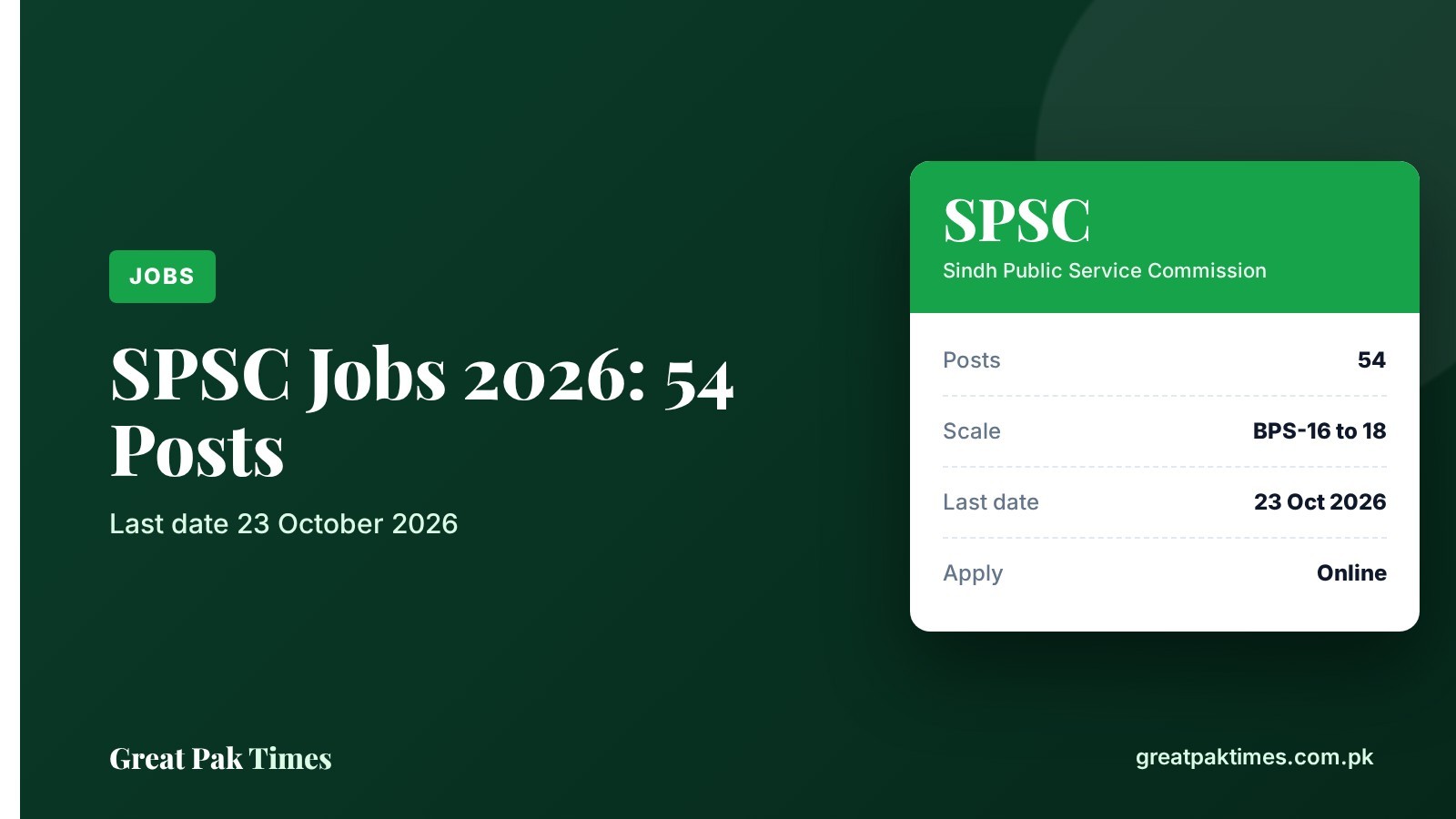
The Sindh Public Service Commission (SPSC) recruits for most government posts in Sindh from BPS-16 upward, and every application is submitted online. This guide explains how the SPSC online application works, what you need before you start, and where to check your status afterwards. The current open advertisement is No. 05/2026, closing 23 October 2026.
Before you start
- Read the full advertisement for your post on the SPSC website (Advertisements section). Qualification, age limit, domicile and quota rules differ for every post.
- Keep scanned copies of your CNIC, domicile, degrees, transcripts, experience letters and a recent photo ready.
- Use a phone number and email address you check daily, because SPSC notices and updates reach you there and on your portal account.
How to apply online
- Open the official site. Go to spsc.gov.pk and click “Apply Online”, which opens the candidate portal. SPSC also has an official mobile app for submitting applications.
- Register or log in. Create your candidate account the first time. If you applied before, log in with the same account.
- Choose your advertisement and post. Pick the current advertisement and the post you are eligible for, then fill in your personal, education and experience details.
- Pay the fee by challan. The portal generates the challan for your application. SPSC publishes a “How To Submit Challan” guide under its online services section.
- Upload your documents. In August 2026 SPSC announced an integrated document management system inside the candidate portal, so documents are handled through your portal account.
- Submit and keep a copy. Submit the form before the closing date and save or print the confirmation for your records.
Portal screens can change, so follow the instructions shown on the official site if they differ from the steps above.
After you apply
- Deficiency and rejection lists: SPSC publishes lists of applications that are incomplete or rejected. Check them so you can fix problems if the rules allow it.
- Test and interview schedules: dates, centres and roll number details are posted in the Programs and Datewise sections.
- Results: written test and interview results are published on the SPSC website.
- Preparation material: the site has a Past Papers section and a Scope & Syllabus page.
Contact SPSC
SPSC lists its office hours as Monday to Friday, 9:00 am to 5:00 pm, closed Saturday and Sunday. The helpline on the website is 022-9200694 and the email is info@spsc.gov.pk.
Current SPSC openings and updates
- SPSC Jobs 2026: 54 posts, last date 23 October
- SPSC CCE 2026 screening test date and passing marks
- More openings in our Jobs section
Frequently asked questions
Can I apply for SPSC jobs offline?
SPSC applications are submitted online through its candidate portal. Check the advertisement for your post for any exceptions.
Where do I find the official SPSC advertisement?
The Advertisements section on spsc.gov.pk lists every current and closed advertisement with its closing date.
How do I check my SPSC application status?
Log in to your candidate portal account, and watch the Deficiency, Rejection, Programs and Datewise sections of the SPSC website.
New to this? Read our guide: How to Apply for FPSC Jobs Online: Step-by-Step Guide.
New to this? Read our guide: How to Apply for PPSC Jobs Online: Step-by-Step Guide.
Note: Always confirm details on the official website before you apply or pay any fee. Great Pak Times is not affiliated with any government body.
Source: Sindh Public Service Commission. Checked 3 October 2026.